
Watch your park come alive.
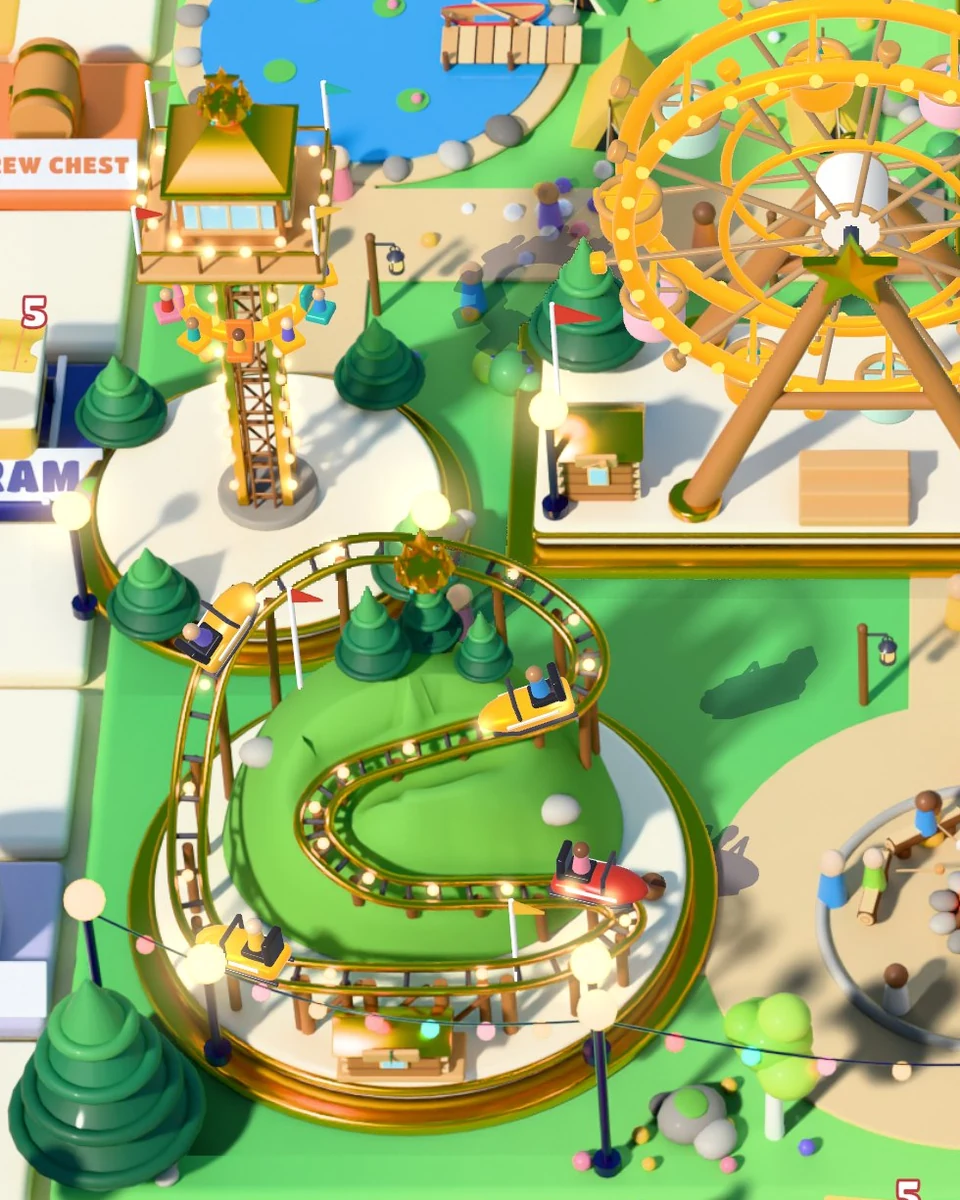
Turn empty lots into spinning, soaring attractions. Upgrade each ride through five levels, then complete your park and discover a new theme.

Turn a little luck into a park full of possibilities. Roll around the board, build bigger rides, and make every lap a little more spectacular.
Step inside the funFree to play with optional in-app purchases.
Release date to be announced.
Fill the meter. Enjoy seven free moves.
From the first little ride to a park that sparkles in gold, there’s always something worth another lap.
Turn empty lots into spinning, soaring attractions. Upgrade each ride through five levels, then complete your park and discover a new theme.
Roll sevens to fill the Lucky 7 meter. Fill it all the way for a Lucky Lap: seven free moves around the board, with more chances to collect rewards.
Visit other parks for pranks and heists, invite your friends, and trade spare stickers to help finish your collections. A little rivalry keeps things lively.
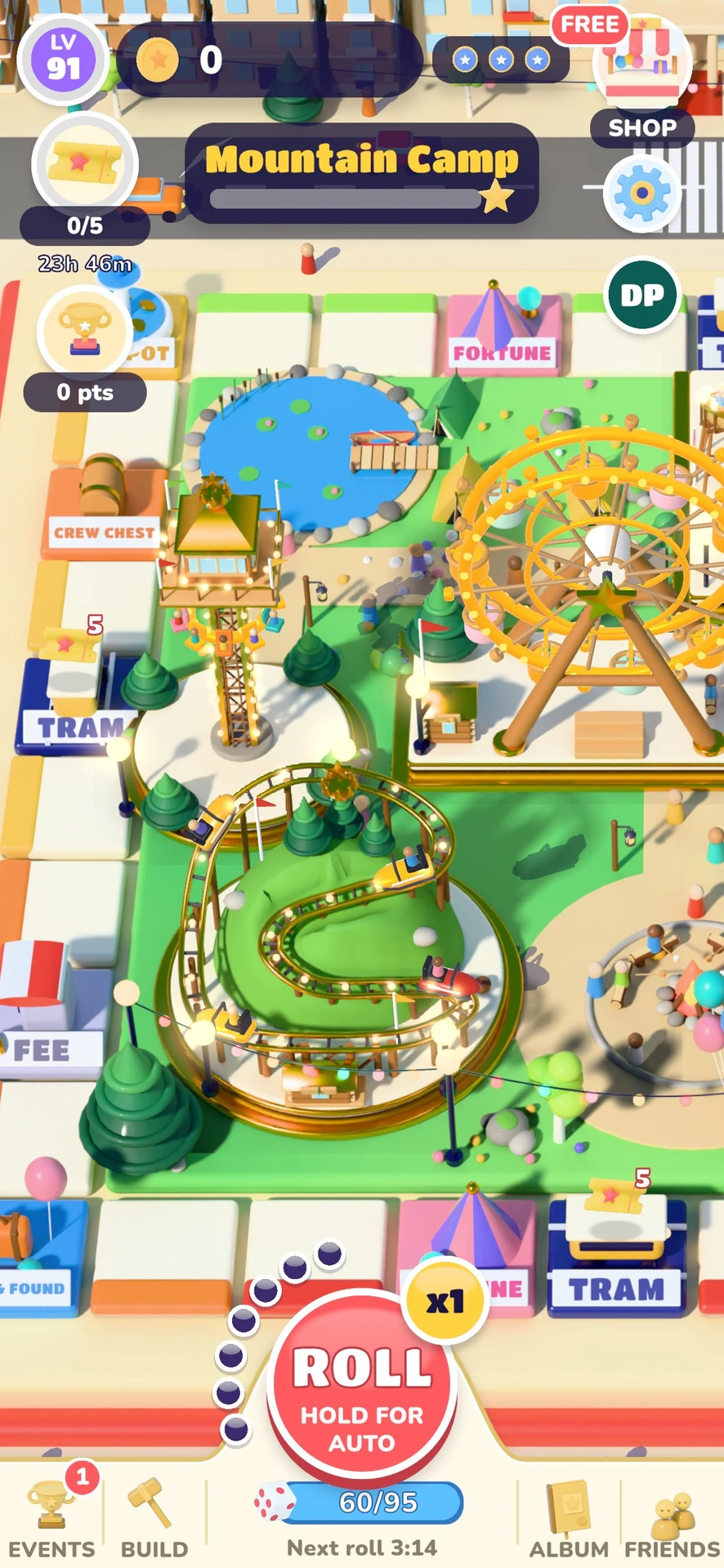 Take a closer look
Growing rides, moving details, and whole new parks to discover.
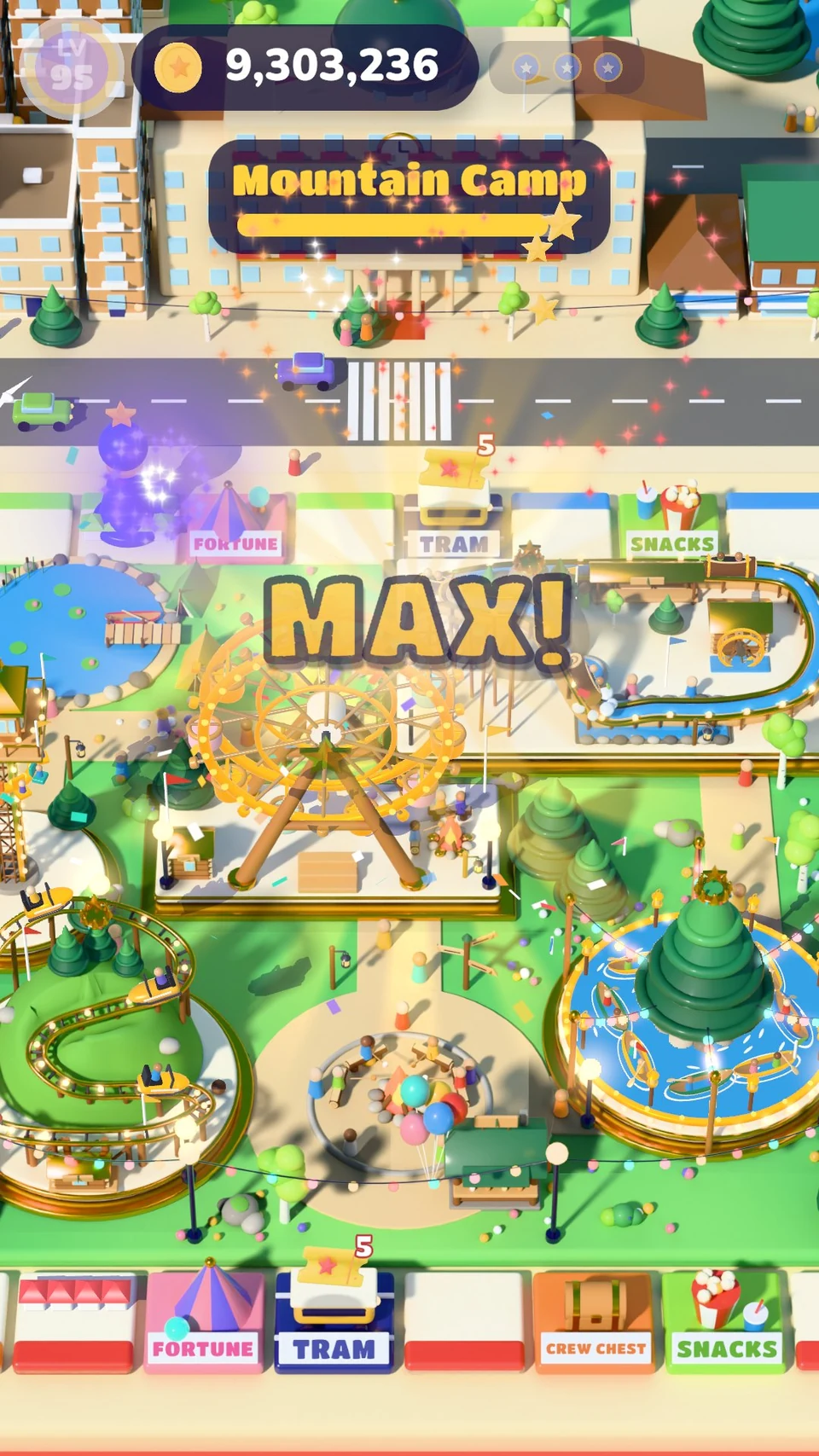 Take a closer look
Every upgrade deserves a little celebration.
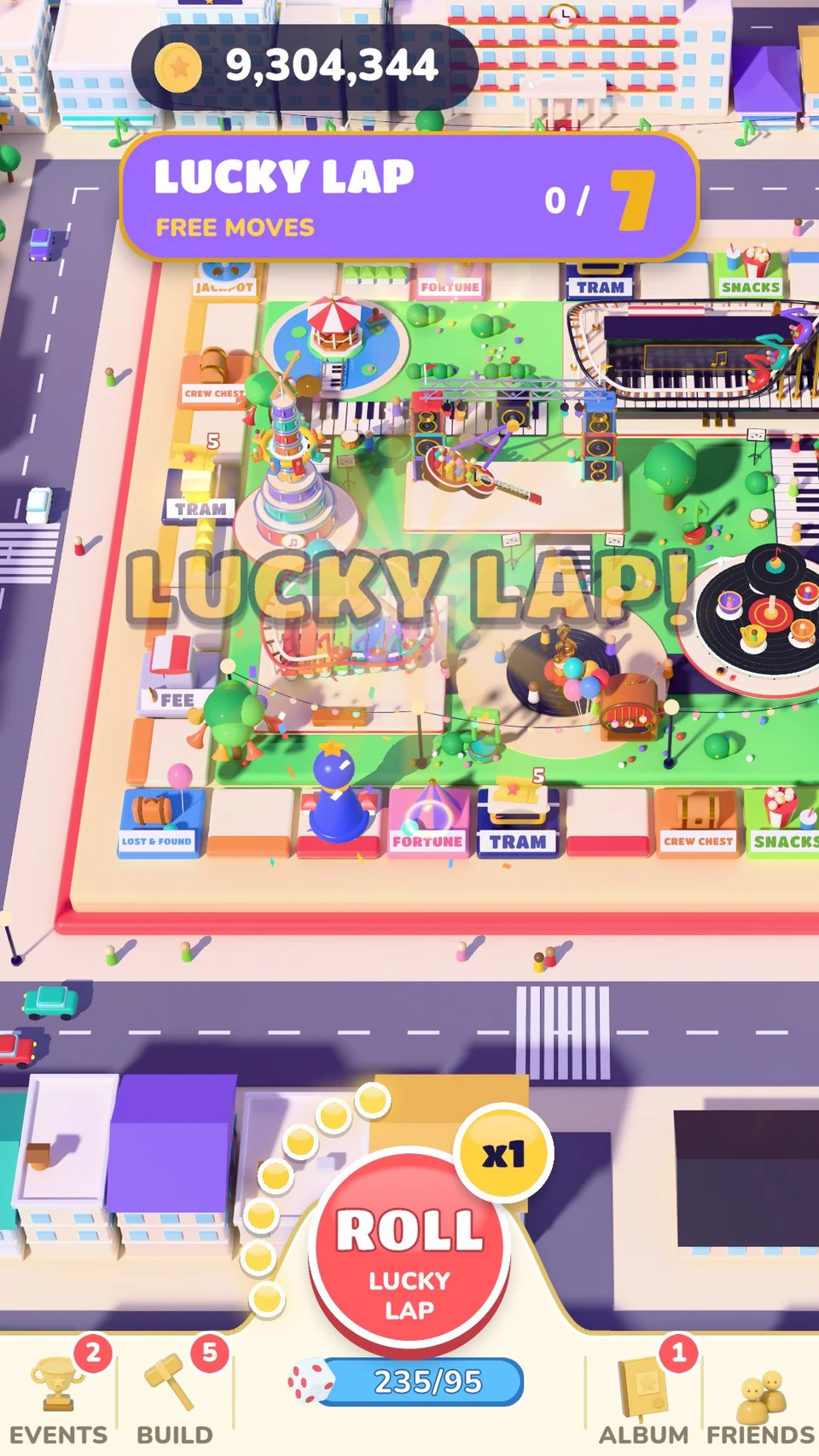 Take a closer look
Fill the Lucky 7 meter and take seven free moves.
 Take a closer look
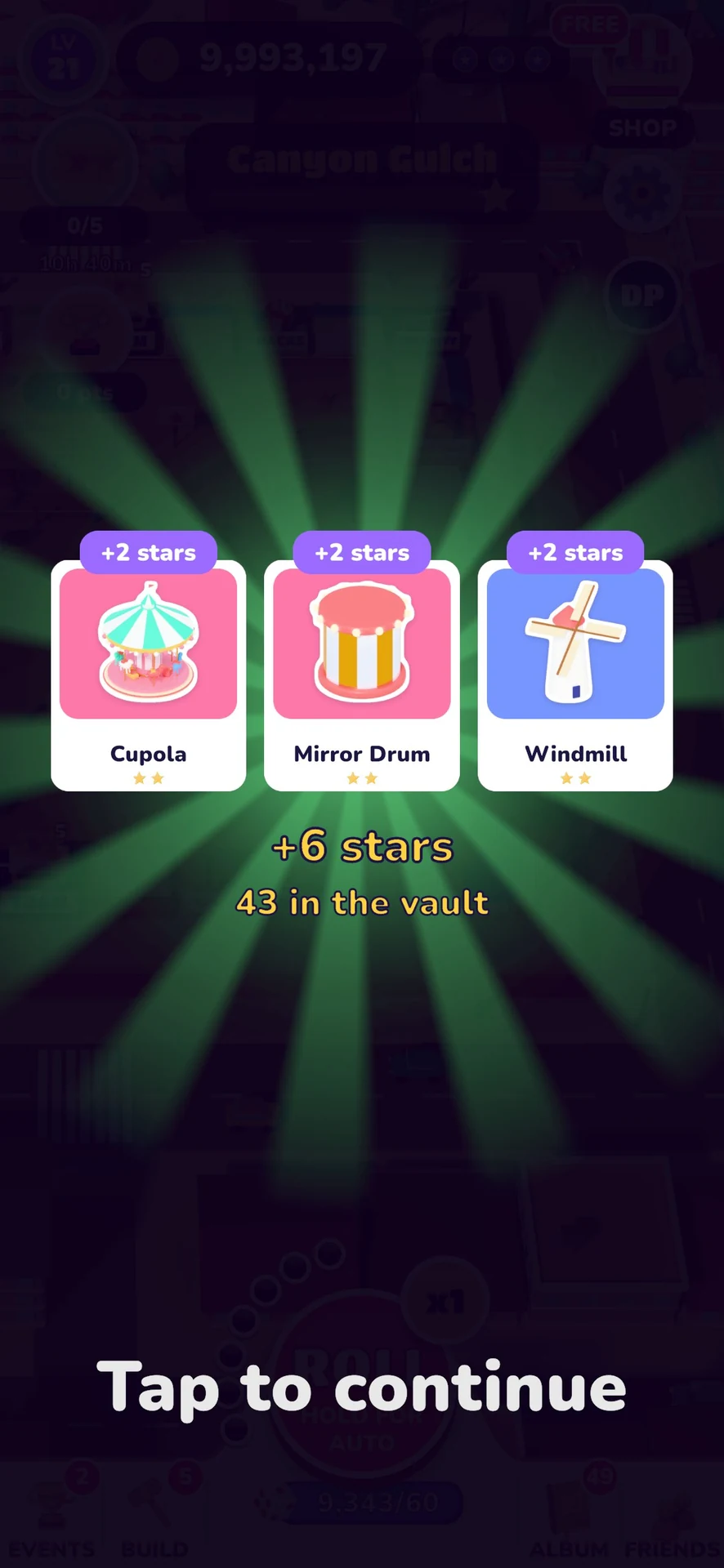
Collect colorful stickers, complete sets, and swap spares with friends.
Screenshots from development builds. Some captures use advanced progress prepared for previews. Content and appearance may change before release.
Check in for daily rewards, join events, and give your next attraction a little extra sparkle.
Rolls refill over time. Free rewards help you progress; optional purchases offer more rolls and bundles when you want to keep playing. An internet connection is required.
Questions about Lucky Lap, feedback from a test build, or a ride that won’t cooperate? Tell us what happened.
Email game supportdolphinpunchgames@gmail.com
Privacy policy Terms of service Account & data deletionLucky Lap is coming soon on iOS and Android. We haven’t announced a public release date. These screenshots show development builds; we’ll add store links when the game is available.
No. Rolls refill over time, and gameplay rewards provide more. If you run out, you can wait or choose an optional purchase. The shop shows the local price and contents before you buy; pack odds are shown in the game.
Lucky Lap needs an internet connection and saves progress on our server. A guest account is created automatically. To keep your park across devices, sign in with Apple, Google or Facebook in Settings → Account. On the new phone choose Already played? Restore my park, sign in with the same account, check the park, and confirm. Your friend code and player number cannot sign you in. If you haven’t linked a sign-in, contact us before reinstalling.
Reconnect and reopen Lucky Lap so a pending purchase can finish. If it still hasn’t arrived, email us with the product, approximate purchase time, version/build, and the Player line from Settings → About, if available. A store order reference can help; don’t send payment-card details or passwords. Spent consumables cannot be restored as new items.
Lucky Club is optional and renews monthly at the local price shown by Apple or Google Play. Use Manage subscription in the game or the subscription settings of the store account you used to buy it. Deleting your game account or uninstalling the app does not cancel a subscription. Cancellation normally stops the next renewal.
Include your app version/build from Settings → About, device model, operating-system version, and the steps that caused the issue. A screenshot, your Player line, or your friend code can help us find the problem. Keep unrelated personal information out of screenshots.
Turn optional analytics off with Settings → Share play statistics. Settings → Delete account removes your game account and requests deletion of linked analytics. You can also request deletion by email without reinstalling the game. Read the account and data deletion instructions for what is removed, retained, and how to contact us.