Link it together.
Mix flips, grabs, and spins. Grind rails, slide ledges, and carry a manual between obstacles. Land cleanly to bank your combo.
Your line. Your trick.
One more try.
Carve down forest trails, catch air, and land something worth replaying. A whole world of skateboarding adventures starts with one push.
In development. A first look at what we’re making.
Sometimes it’s a huge combo. Sometimes it’s finally sticking that landing. Drop In is built for the thrill of getting a little better, one run at a time.
Mix flips, grabs, and spins. Grind rails, slide ledges, and carry a manual between obstacles. Land cleanly to bank your combo.
From Forest Trails and Steelworks to coastal roads and neon markets, earn objective stars and open the next stretch of your career.
Learn the basics in the introduction, experiment in practice, or return to a favorite course to chase a higher score.
 Take a closer look
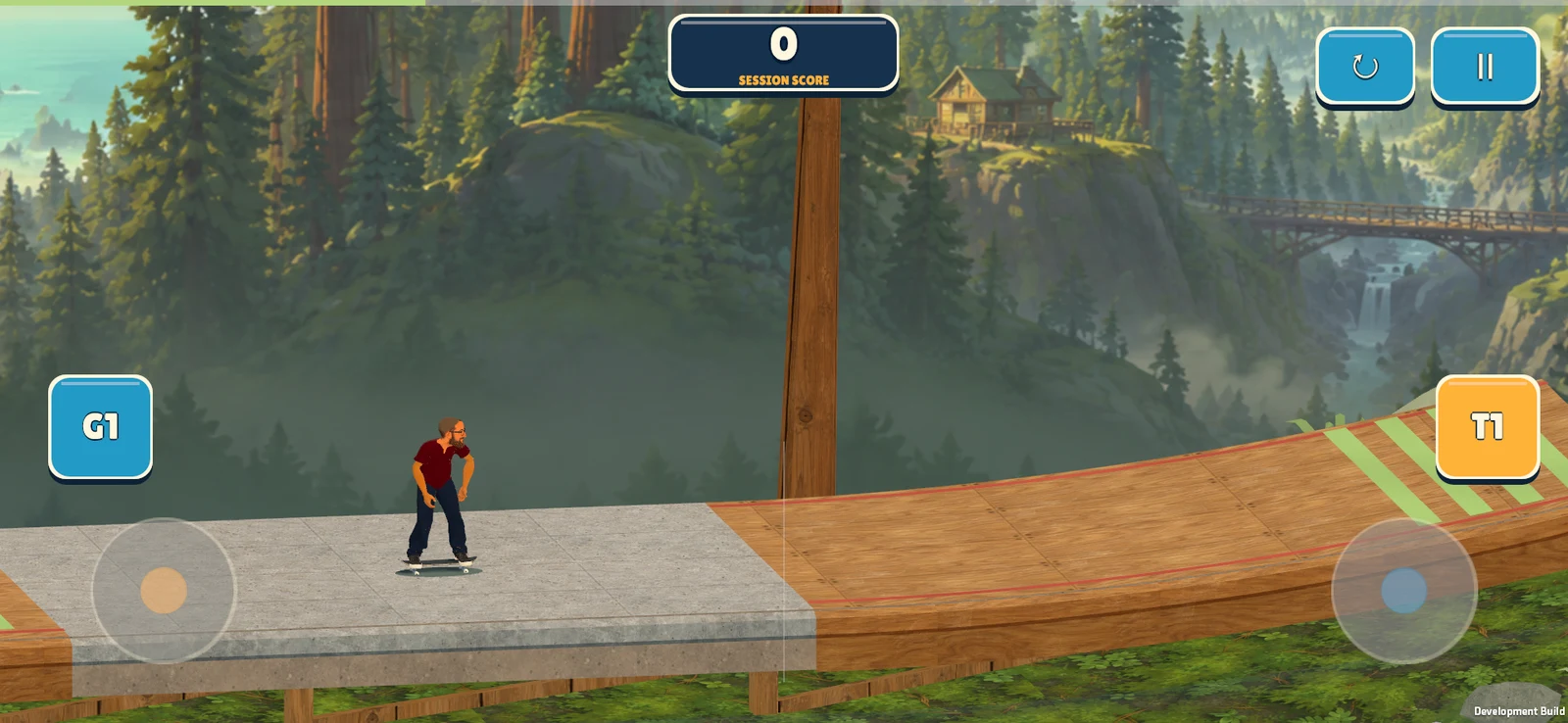
Timber ramps, winding trails, and room to find your rhythm. A look at Forest Trails in the current build.
 Take a closer look
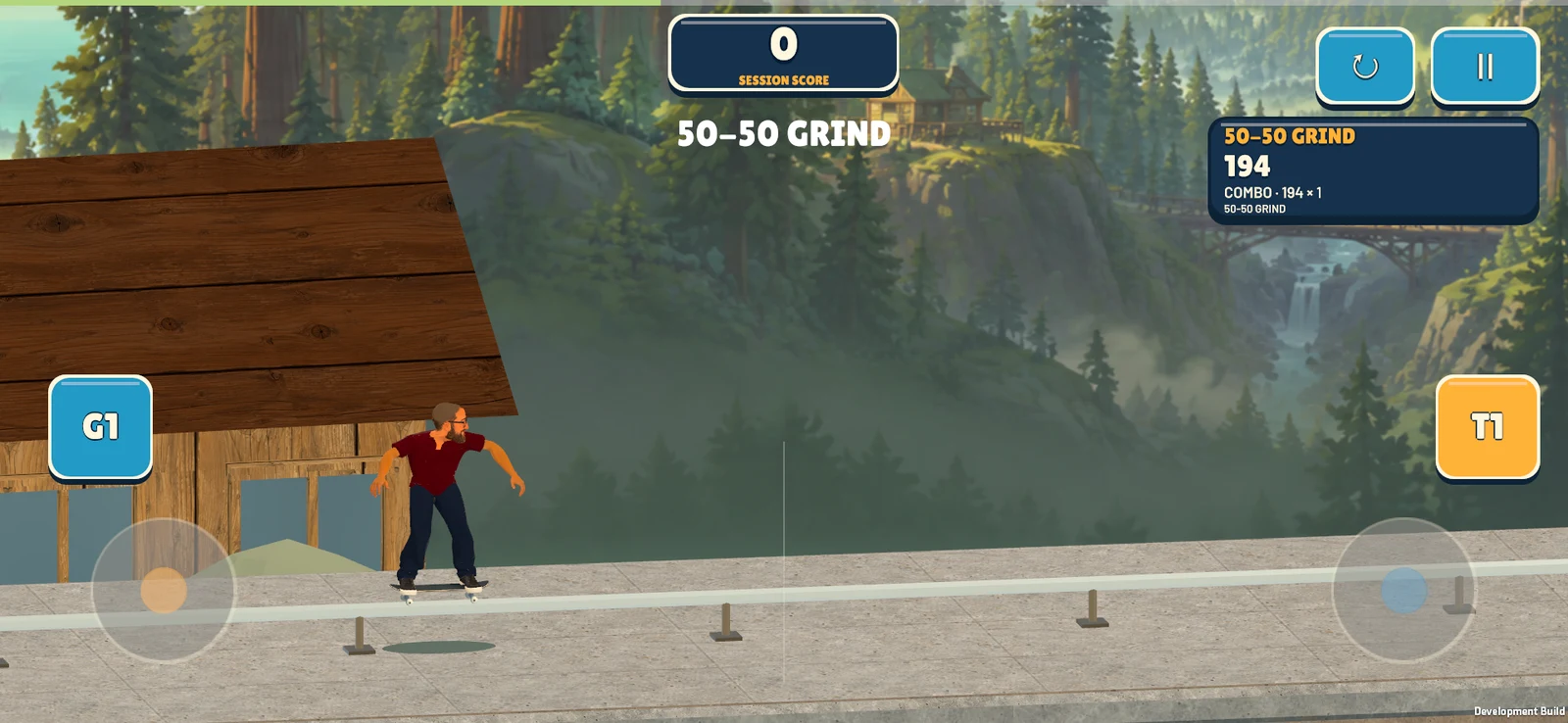
Hold a rail grind, build your score, and get ready for the next landing.
Take a closer look
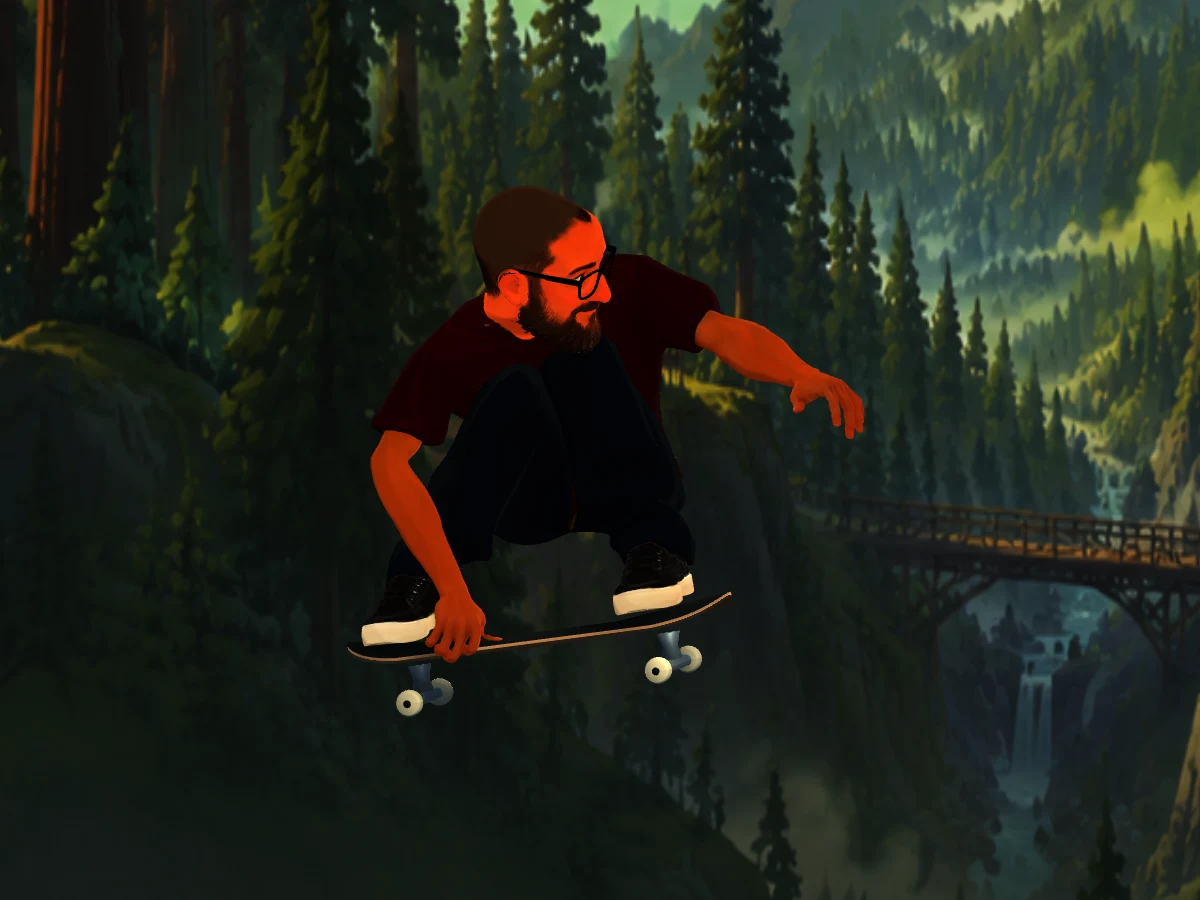
An in-game jump photo captures a board grab above the trail. On supported iOS devices, you can also save run videos to Photos.
Screenshots from development builds. Content, features, and appearance may change before release.
Questions about Drop In: Skateboarding, feedback from a test build, or trouble on a course? Email Dolphin Punch with your app version and build number, device model, operating system, and what happened.
Email game supportdolphinpunchgames@gmail.com
Read the privacy policy Data & deletion requestsDrop In: Skateboarding is coming soon. The images on this page are from development builds, and we haven’t announced a release date or launch price. We’ll add store links here when the public listings are available.
Start with the introduction to learn the controls, then try a course or practice run. Combine aerial tricks, grinds, and manuals, and land cleanly to bank your combo. Complete course objectives to earn stars and progress through your career.
The current iOS build automatically syncs career progress through iCloud when available. You can still play offline; progress merges when syncing resumes. Game Center handles eligible scores and achievements separately. These Apple features do not imply Android cloud saves or leaderboards. See the game’s privacy section for details.
On supported iOS devices, open Pause → Video → Run Recording to control local recordings. Recording starts enabled in the current build. Save a completed run to Photos when you choose; the game asks for permission to add the video. It records the game view and game audio, without using your camera or microphone. Unsaved clips are temporary. Delete saved videos in Photos.
Email dolphinpunchgames@gmail.com with “Drop In” in the subject. Include your app version and build number, device and OS version, course name, and the steps that caused the issue. A screenshot is helpful. Don’t include passwords or account credentials.
Email dolphinpunchgames@gmail.com and say which Drop In data you want deleted. We may need information to locate your installation’s records. Removing the app does not delete analytics already received, optional uploads, iCloud progress, Game Center results, or videos saved to Photos. Read the deletion details for what you can manage on your device and through Apple.